

Prerequisites
- The CookieChimp WordPress plugin installed and configured with your Account ID — see the WordPress installation guide.
- The WP Consent API plugin installed and activated from the WordPress plugin directory.
How do I enable it?
1
Open the Integrations page
Go to Integrations in your CookieChimp dashboard and find the WordPress Consent API card.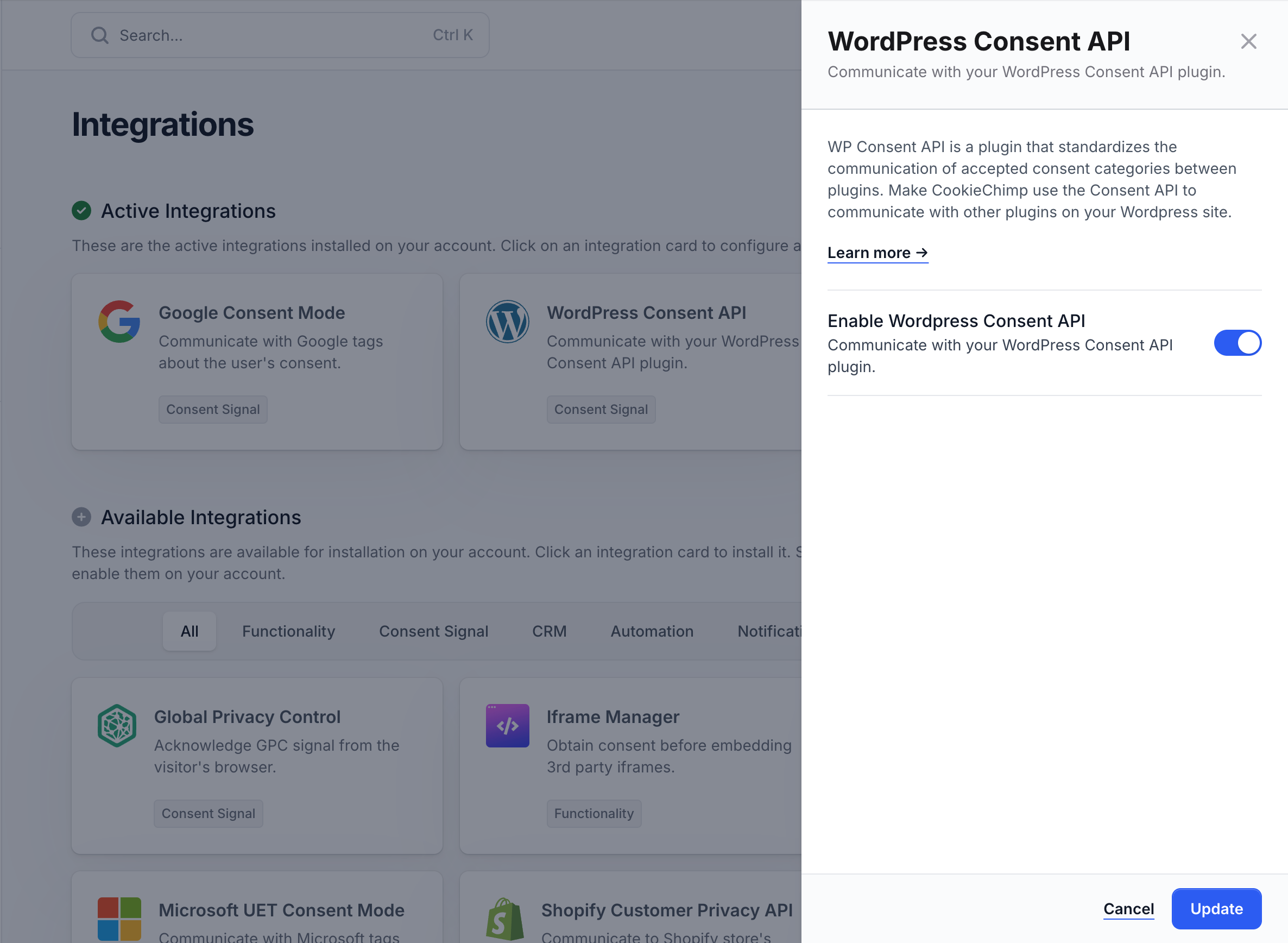
2
Toggle it on
CookieChimp will start writing consent state to the WP Consent API on page load and whenever the visitor updates their choices. Plugins that listen to the API will pick this up automatically.
How does CookieChimp map to WP Consent types?
How do I verify it’s working?
In a PHP file or via the Query Monitor plugin, check the consent state directly:wp_has_consent() should update accordingly.
- Enable Debug mode from the CookieChimp dashboard and check the browser JS console for errors.
If you encounter any issues or need further assistance, please reach out to us via our chat.